

Local governments handle massive amounts of data on a daily basis. Finding specific details in files takes up valuable staff time and prevents them from completing high-value tasks that move communities forward. We have built a solution to help local gov teams achieve more.
Introducing: XworQ
XworQ is a smart, secure assistant for local government workers built right into the iWorQ Systems platform. XworQ enables users to interact with their management software through a smart chat. XworQ saves staff time and brings information to your workers' fingertips. Empowering city and county teams to work more efficiently.
XworQ is privately owned and secured. Your information never leaves iWorQ’s resources and is never used for outside training or shared with third parties.
XworQ has unleashed 4 powerful Smart Assistants to aid city and county workers:
- File Assistant
- Permit PDF Assistant
- Grid Analyst Assistant
- Tutorial Assistant
1. The File Assistant: Bring Document Data to your Fingertips
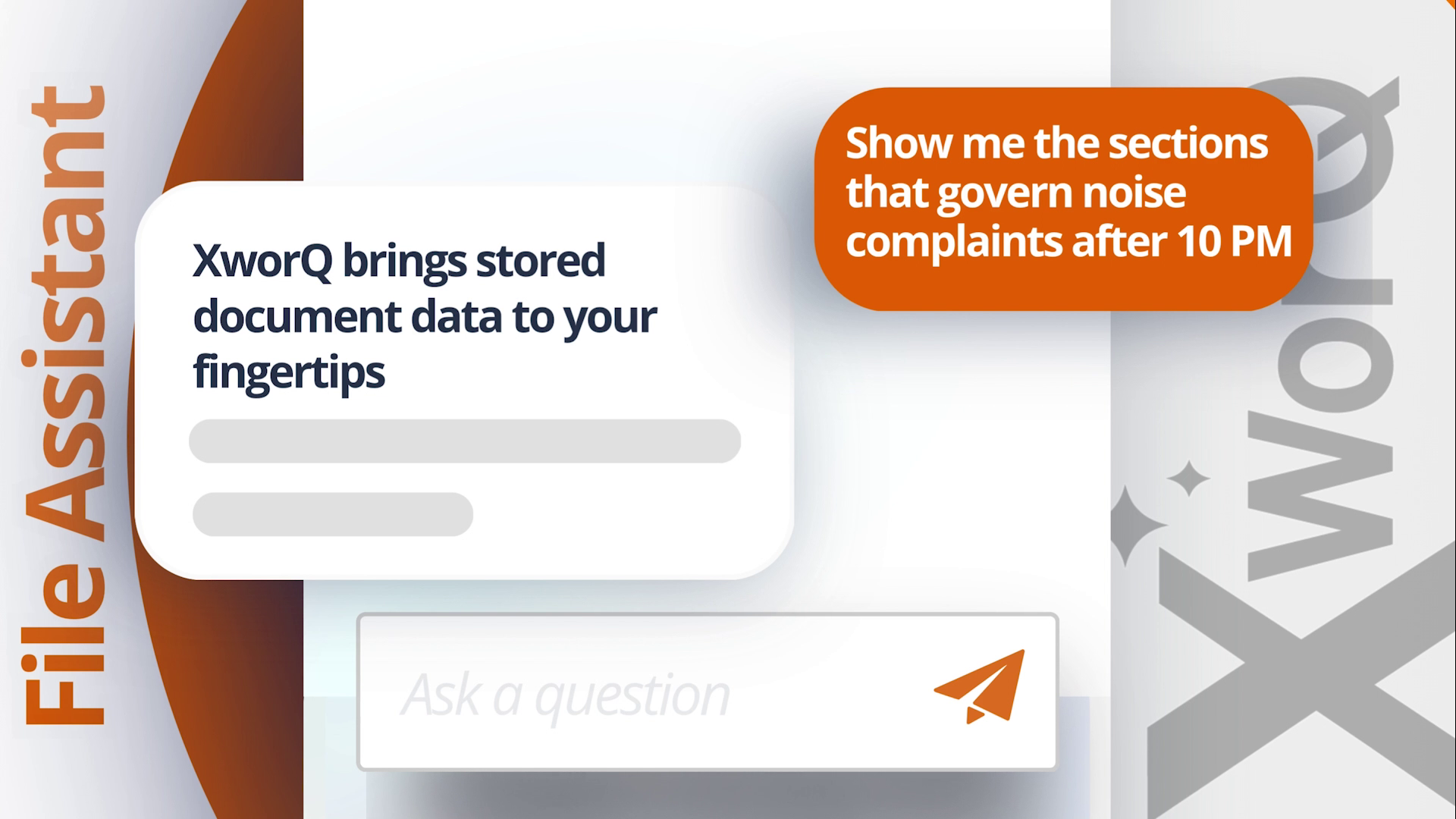
With the XworQ File Assistant, you can quickly access details from your uploaded documents, PDFs, and JPEGs. It stores data privately within XworQ’s resources, keeping everything in one spot so details are always easy to locate.
The File Assistant makes it easy to retrieve data for an agency’s unique protocols or global standards. Just ask the XworQ File Assistant a simple question. It reads your stored documents and provides instant answers.
File Assistant Example Chat Questions:
- Private Use: "Show me the sections that govern noise complaints after 10 PM."
- Private Use: "Summarize our sign ordinance in plain English."
Files can also be limited by application, so Fire Code Enforcement information does not appear when looking for City Code Enforcement information.
Reduce Resident Confusion with File Assistant on the Portal
For agencies looking to reduce confusion and unnecessary resident calls, The File Assistant lets users make select documents public to allow citizens to interact with them from the iWorQ Citizen Portal Home. Residents only see files marked as public, so information stays secure while your community gets fast answers through the public chat assistant.
File Assistant Example Public Portal Chat Questions:
- Public Use: "What are the setback requirements for lots zoned as Residential?"
- Public Use: "What is the order of inspections a new building permit must go through?"
- The File Assistant requires a paid subscription. Contact our sales team for details.
2. Permit PDF Assistant: Simplify Plan Reviews
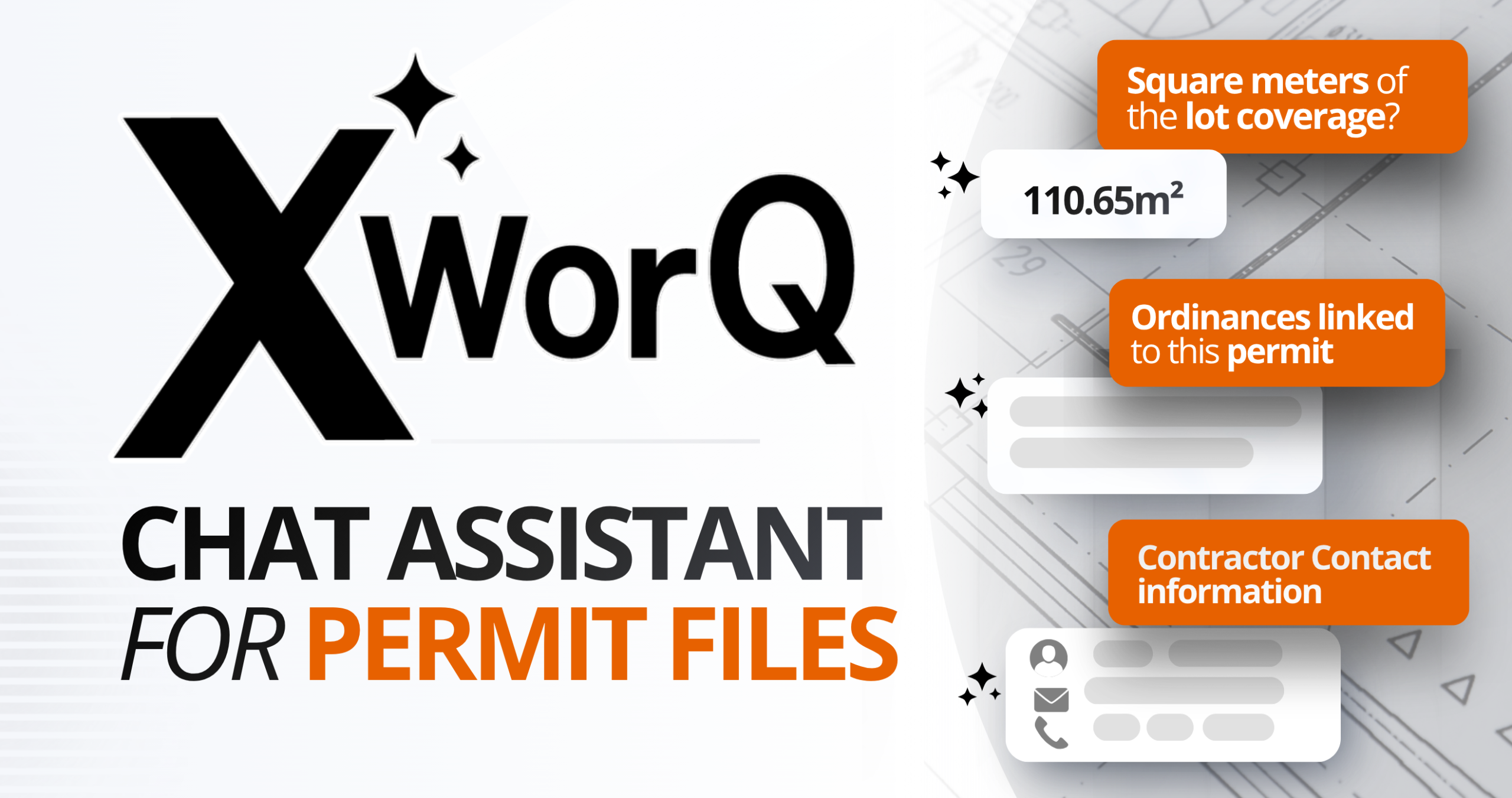
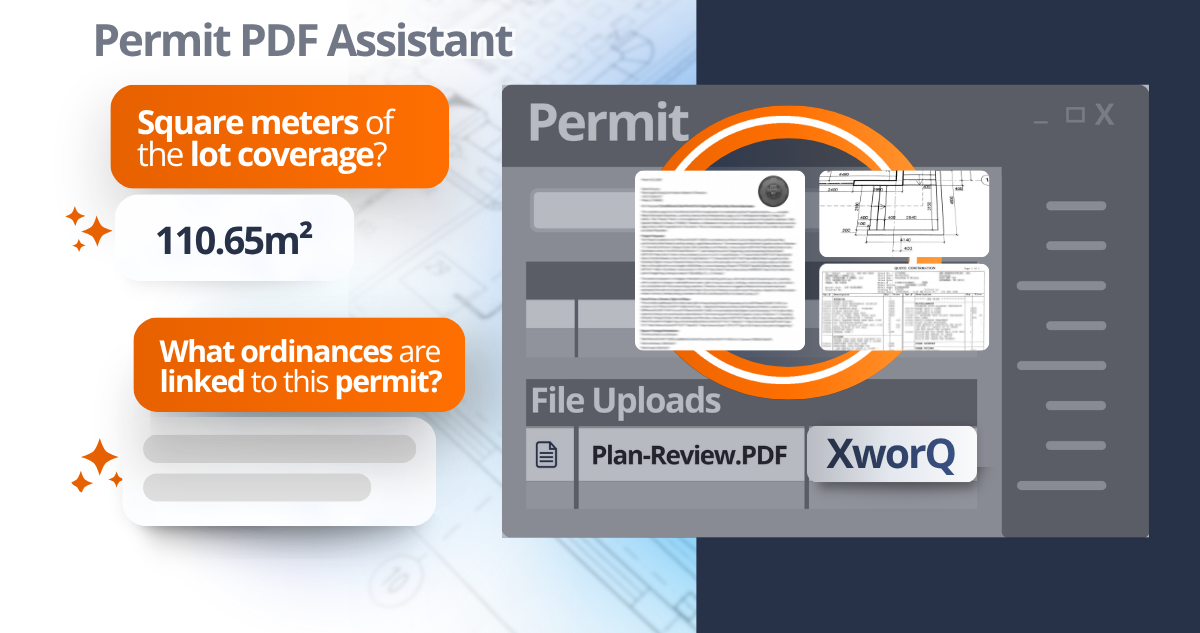
The Permit PDF Assistant makes it easy to find details in large, complex permit files. It works with individual documents tied to a specific permit or plan, such as blueprints, site plans, and zoning records.
Instead of scrolling through lengthy applications, simply ask the chat assistant what you are looking for, or use pre-built prompts to summarize, outline, or extract key data from your document in seconds.
City managers can verify zoning compliance or lot frontage details in a snap. Community Development Directors can identify drainage requirements or contractor contacts. Building Inspectors and Zoning Officers can quickly find structural details or setback limits.
The Permit PDF Assistant helps your team work faster and get through the day more efficiently.
- **The Permit PDF Assistant is currently available in the iWorQ Permitting and Planning & Zoning software applications, and available to all clients to try for a limited time while in beta status.**
3. Grid Analyst Assistant: Uncover Hidden Data Trends
Making informed decisions for your community requires a clear understanding of your data.
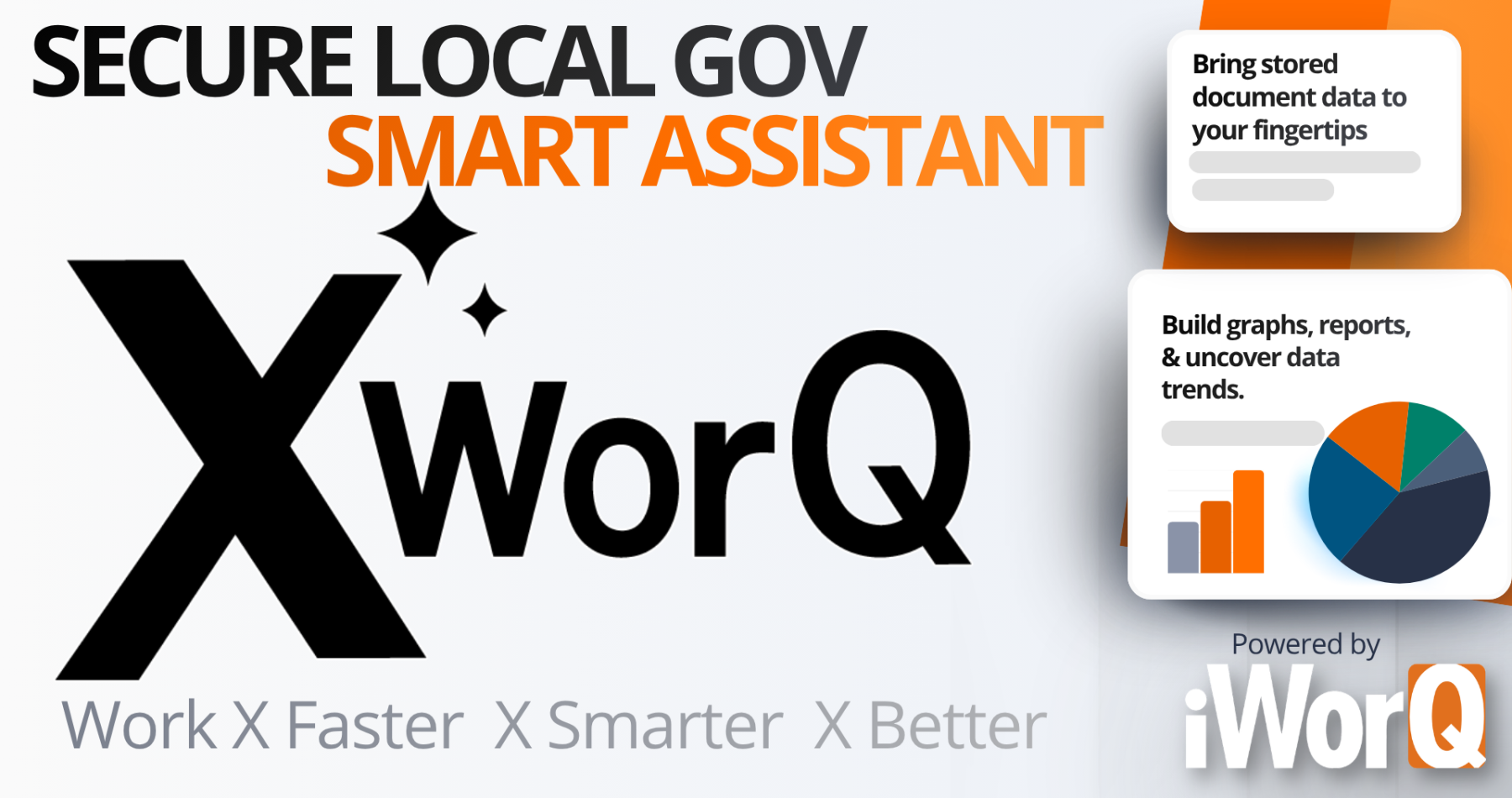
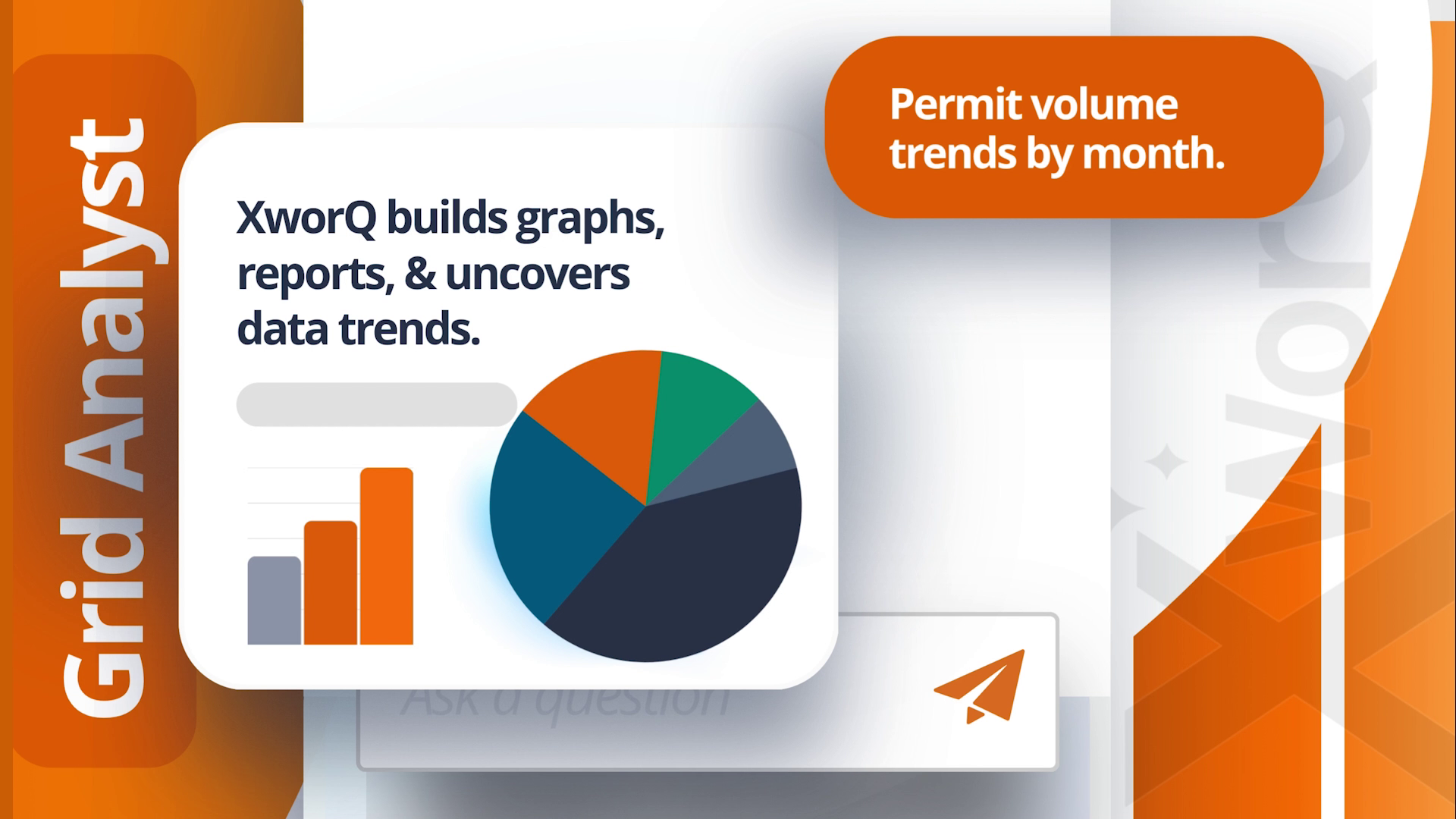
The Grid Analyst Assistant helps you find trends and summarize the information displayed on the main dashboard within your iWorQ Software.
This powerful tool can analyze up to 3,000 records from your dashboard's fields to deliver quick insights. With just a few clicks, you can create graphs, generate reports, and spot trends. Plus, you can easily save, share, or export your data whenever you need.
The Grid Analyst assistant is currently available in Permit, Code Enforcement, Entity Licensing, and Work Management, with plans for expansion to all iWorQ modules.
Grid Analyst Example Chat Questions:
- "What is the trend in permit volume by month and permit type?"
- "Which businesses carry the highest amounts of unpaid invoices? Analyze any trends in business type."
- "Areas with the highest trends in code case violations being opened against them?"
- "Find all the work orders logged for the project: Sidewalk restoration and break down when the most work was completed for the project."
- The Grid Analyst requires a paid subscription. Contact our sales team for details.
4. Tutorial Assistant: Smarter Software Support
We dedicate ourselves to putting our users first by offering unlimited support. The XworQ Tutorial Assistant is a continuation of that effort.
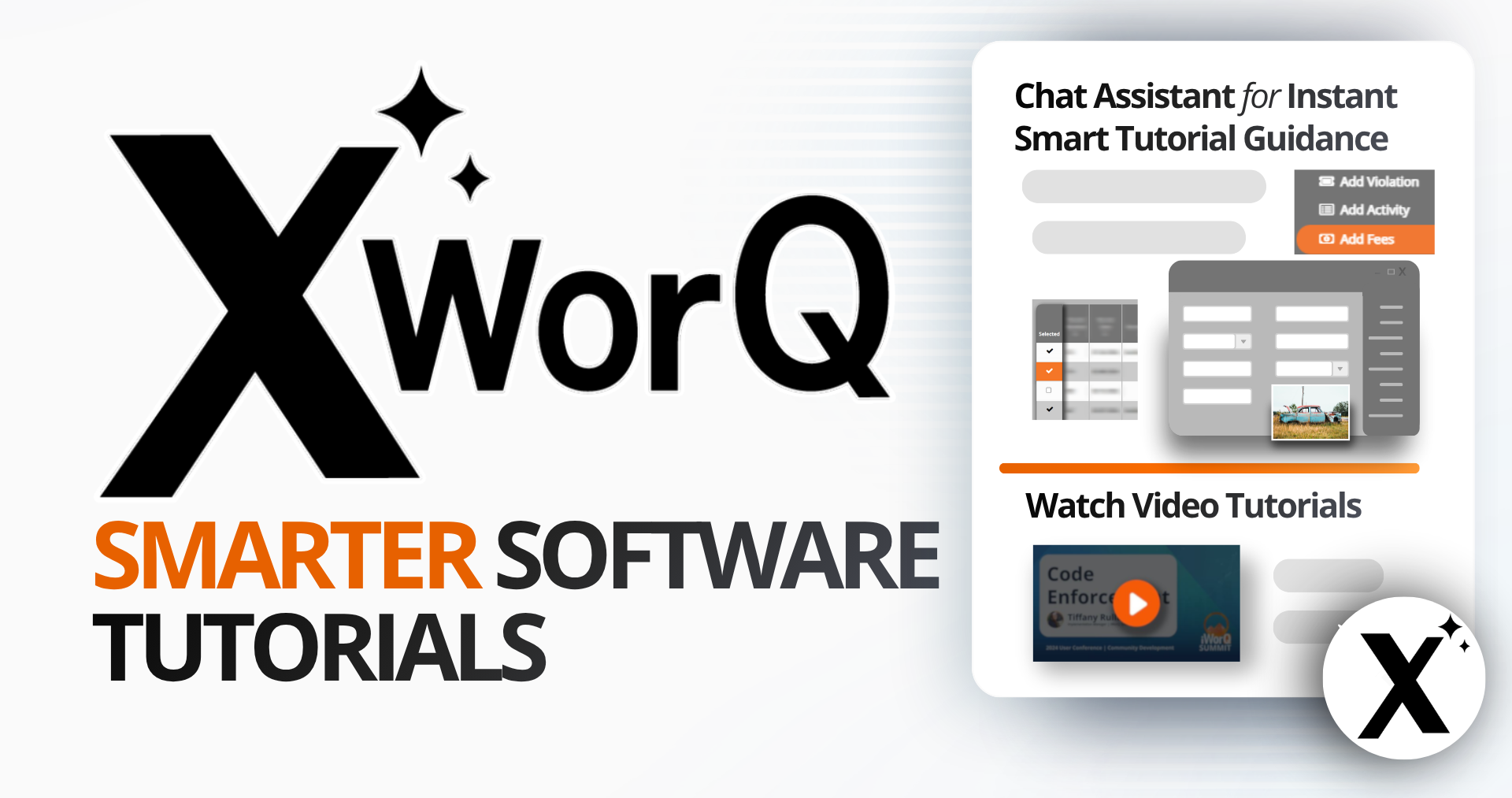
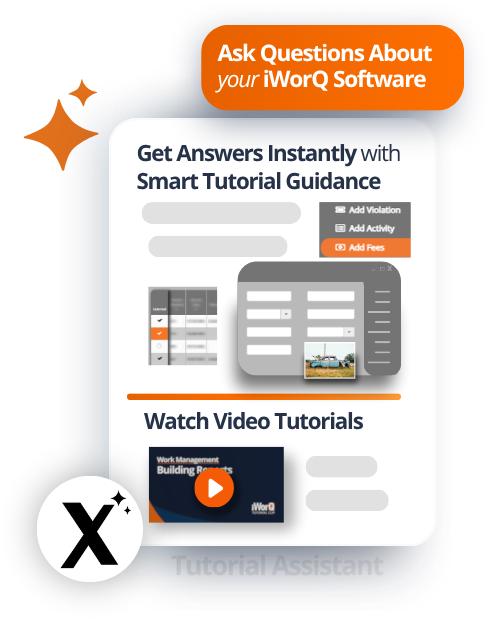
The XworQ Tutorial Assistant is designed to answer questions specifically about iWorQ’s software. It gives users clear, step-by-step instructions for using the platform effectively.
This interactive smart chat assistant scans our entire library of support site resources to help you find information fast. Simply type your question, and the Smart tutorial assistant will find and relay relevant solutions back to you.
The Tutorial Assistant is available to ALL iWorQ users.
Everyone learns differently. That is why the Tutorial Assistant goes beyond providing plain text answers. Along with text-based guidance, XworQ shares screenshots, video tutorials, and relevant links to provide visual clarity on how to use features within iWorQ. It acts as your personal guide, so you can focus on completing tasks rather than searching for solutions.
Tutorial Assistant Example Chat Questions:
- "How do I email a copy of the permit certificate to the contractor?"
- "How do I run a report?"
- "How do I set up work order workflows?"
- "Can I email both the owner and the tenant the upcoming rental license?"
- The Tutorial Assistant is free to all iWorQ users.
Privately Owned Smart Assistant for Local Governments
We built XworQ with your privacy as the top priority. XworQ is a privately owned smart assistant. This means it operates within iWorQ’s secure ecosystem. We never use your information to train external AI models. When you ask XworQ to analyze a permit or create a graph, that interaction remains locked down within your secure iWorQ ecosystem. iWorQ is a 100% U.S.-owned and operated company that maintains its data security on the AWS GovCloud.
Learn more about iWorQ's secure U.S. operations
XworQ’s smart tools are designed to assist the individuals of your existing workforce, making it easier for employees to complete day-to-day tasks.
Accessing XworQ Smart Assistants
XworQ Dashboard Assistants.
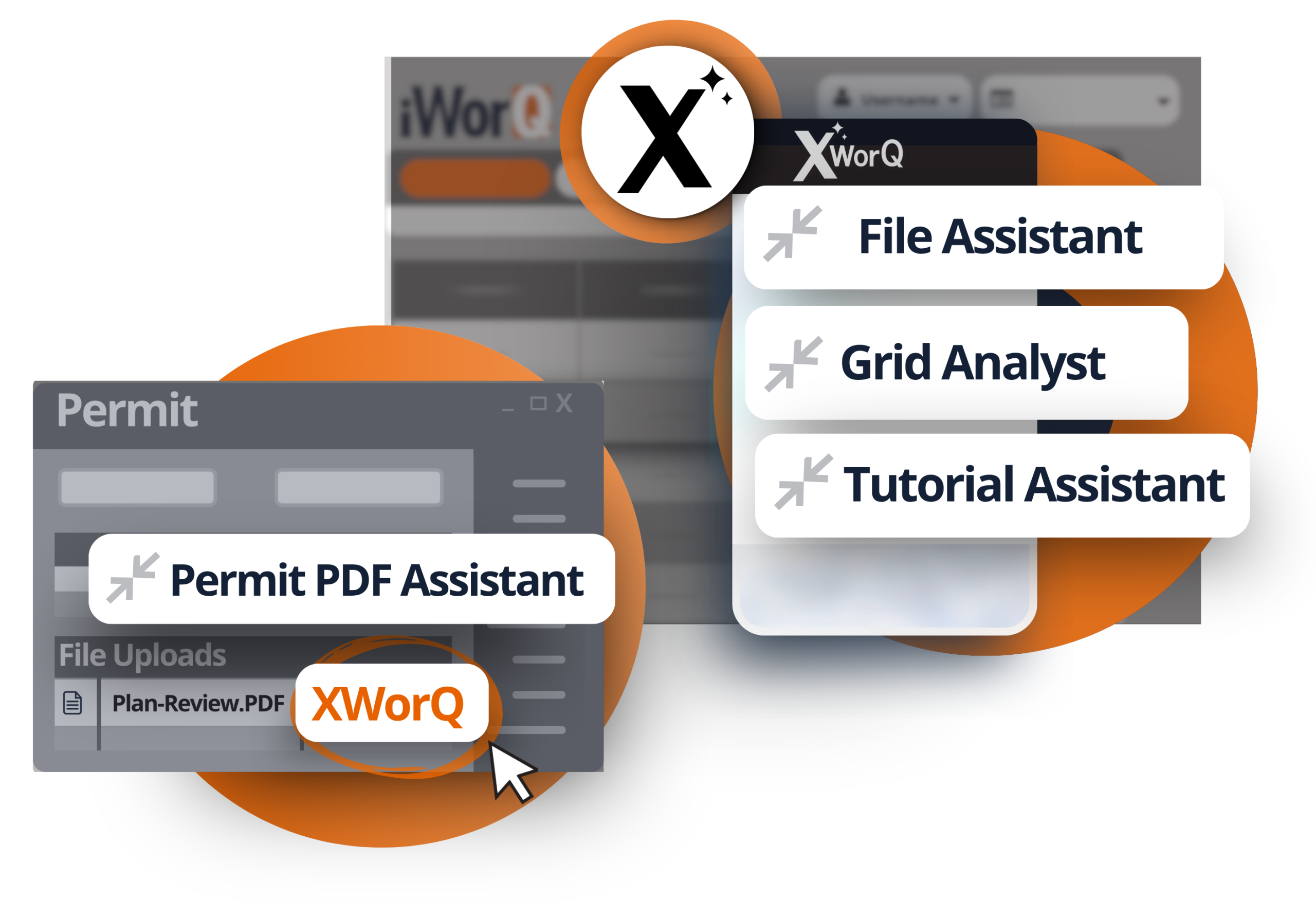
The File Assistant, Grid Analyst, and Tutorial Assistant can all be accessed by selecting the “X” icon found at the top of the dashboard screen of their compatible software applications / subscribed services.
Access Permit Assistant.
Users can access the PDF Permit Assistant by opening up a permit file
- Go to your Uploaded Files: Open any permit and scroll down to the uploaded files section.
- Access XworQ: Next to the file's name, click on the “XworQ” option. The file will begin processing, which can take 30 seconds to a few minutes.
- Interact with XworQ: Once processing is complete, select a pre-built prompt (Summarize, Outline, Extract), or type in your own question.
- The Tutorial Assistant is free to all iWorQ users.
- The Permit PDF Assistant is currently in beta mode and available for a limited time to all iWorQ users with the Permit Management or Planning & Zoning Software.
- The File Assistant & Grid Analyst require a paid subscription. Contact our sales team for details.
Request a demo to see XworQ in action
Learn More
Ready to transform your agency’s operations with XworQ.